Set up your public artist profile
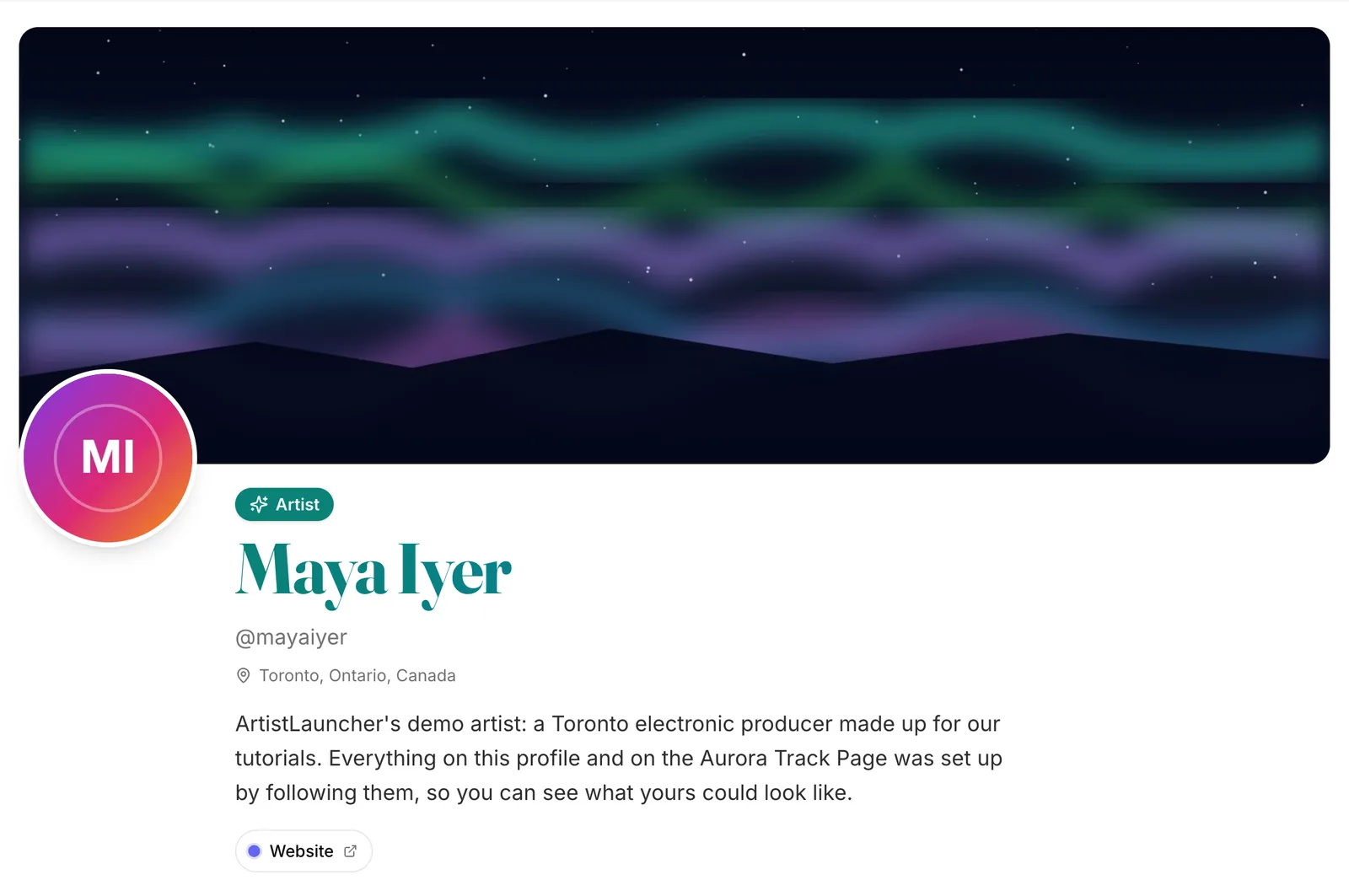
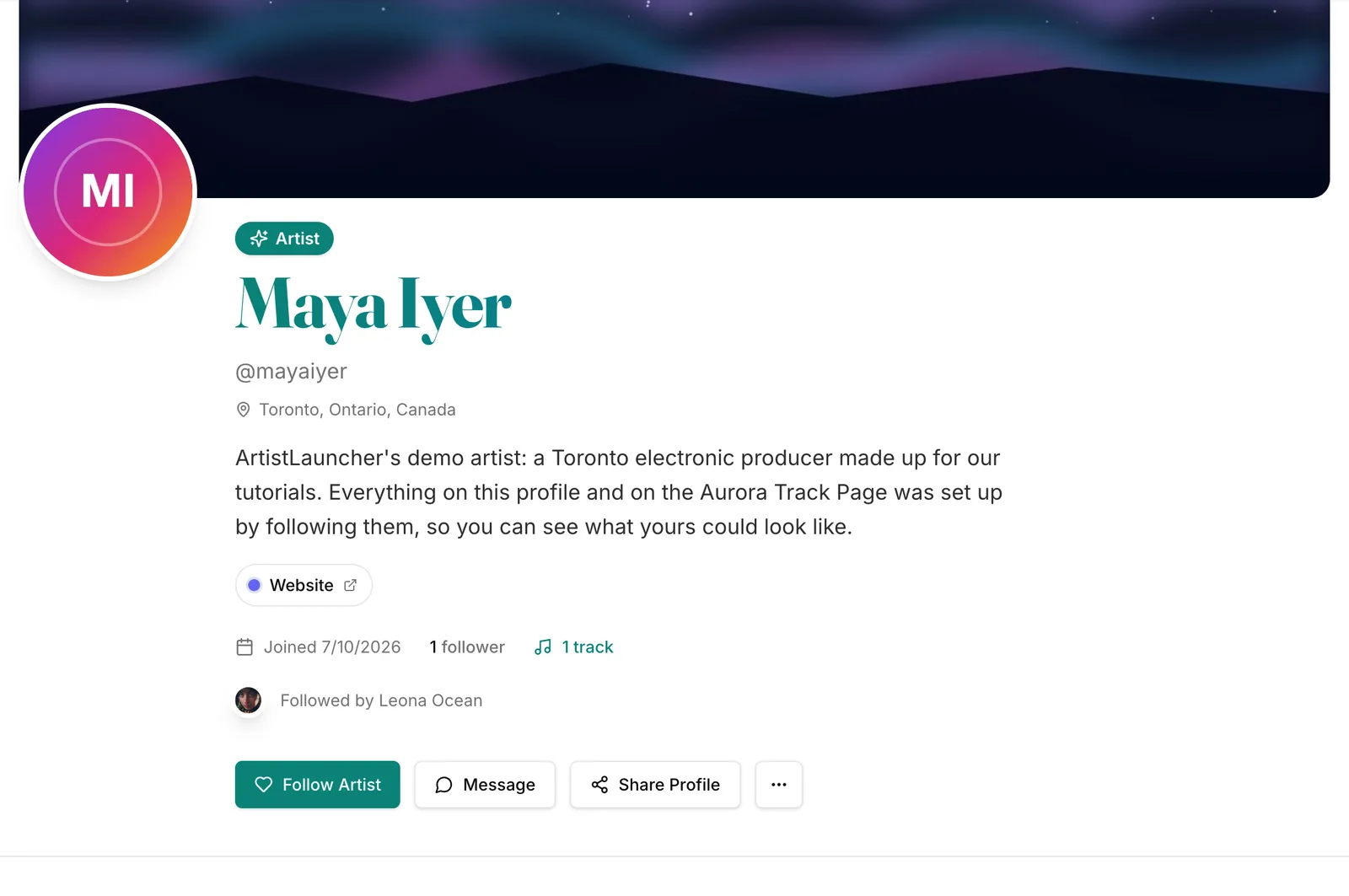
Your profile at artistlauncher.com/a/your-handle is a free home page for your music: photo, banner, bio, your colours, links and every Track Page. Put it in your bio everywhere.
On this page
What you get
- A page at artistlauncher.com/a/your-handle with your photo, banner, bio, location and links. A link-in-bio page with your music on it.
- Every public Track Page you make shows on it, under Music.
- Visitors can Follow Artist, Message you and Share Profile.
- It's where curators and stations land when they look you up.
1. Open your profile
Click Artist Profile in the sidebar
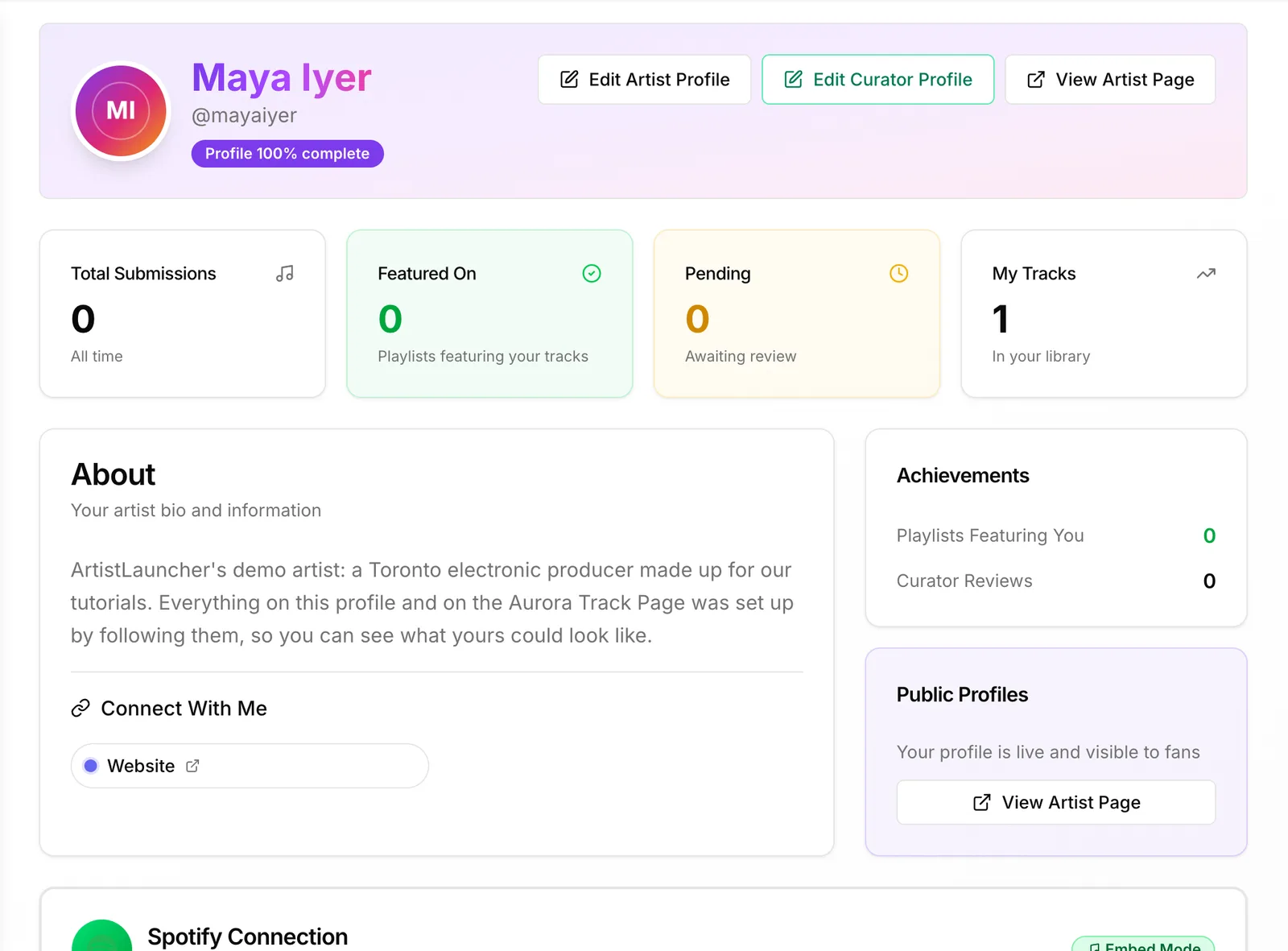
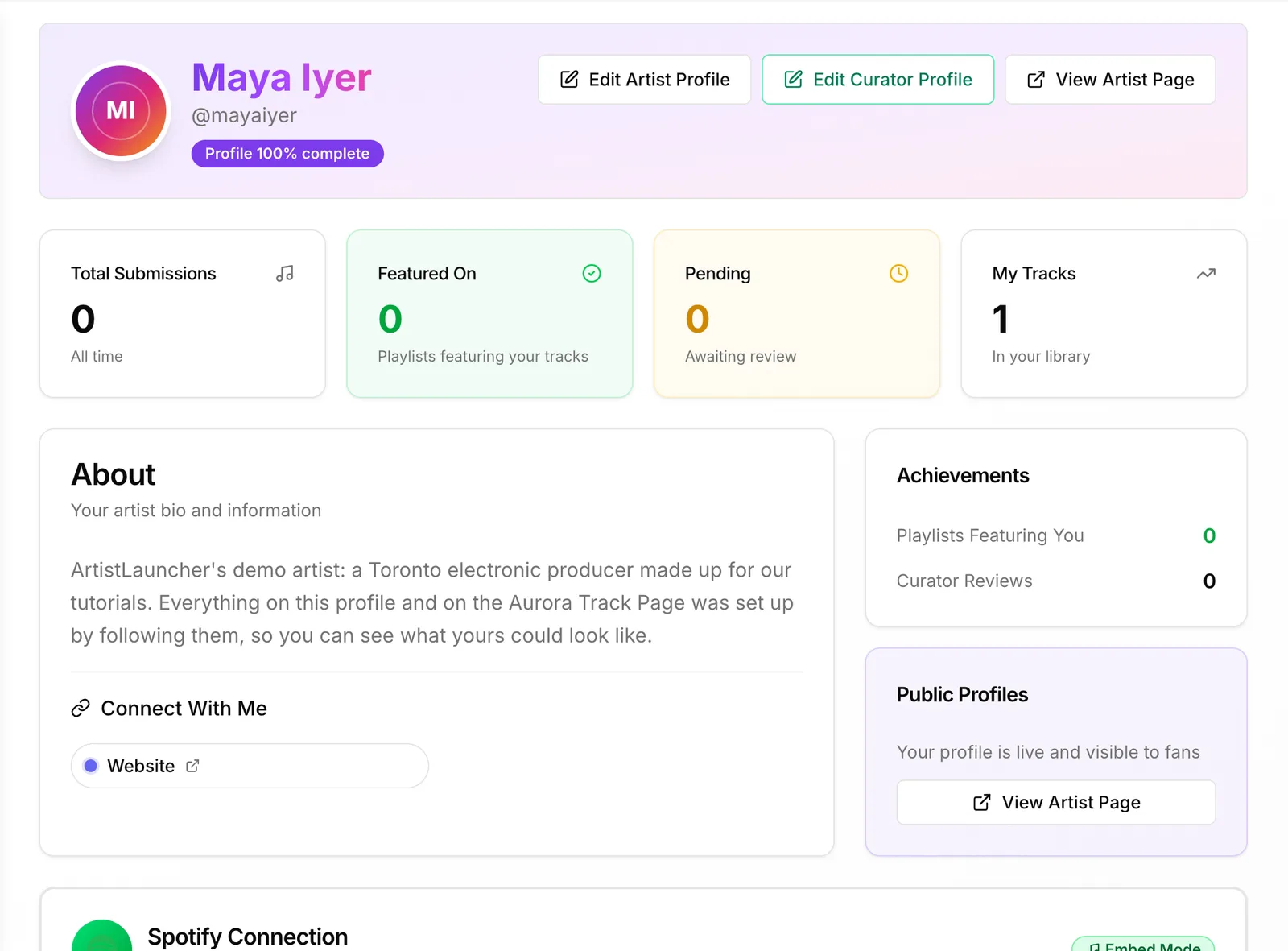
It shows how complete your profile is, your stats, and the buttons Edit Artist Profile and View Artist Page. Until it's complete, Complete Your Profile lists what's missing.
 (opens the full-size screenshot)
2. Your name, photo and banner
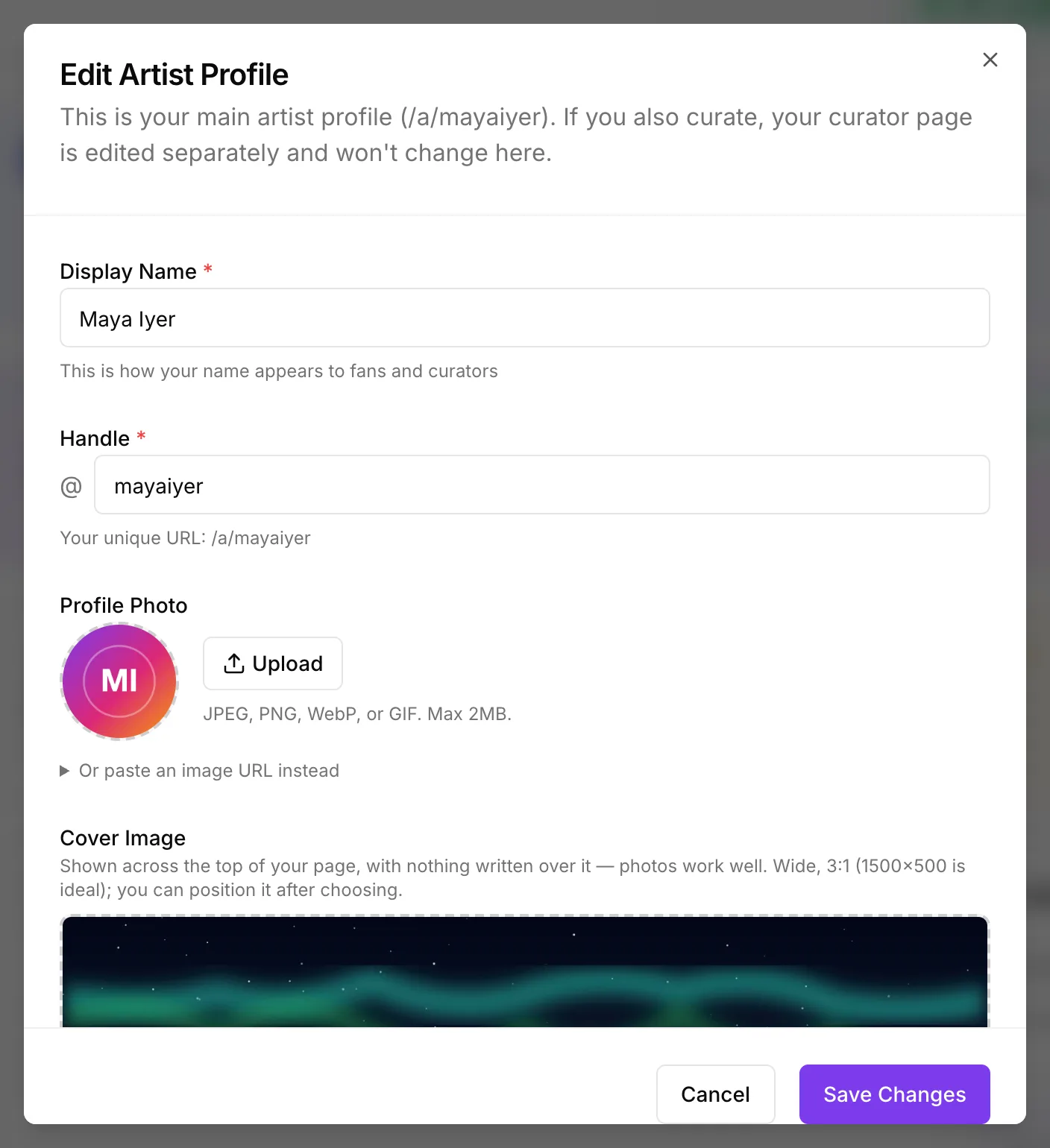
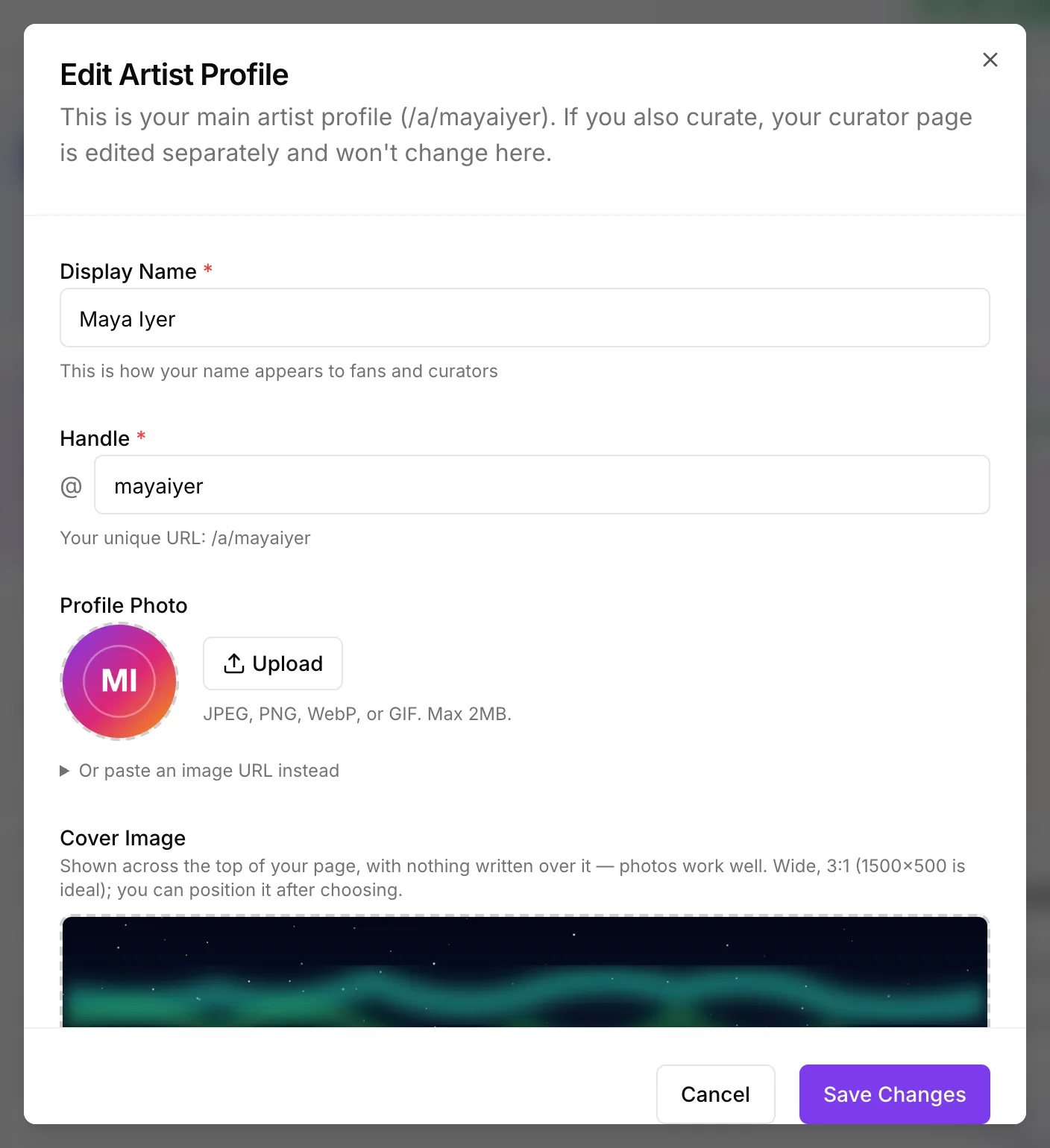
Click Edit Artist Profile
Check your Display Name and Handle. The handle is your address, /a/your-handle: letters, numbers, - and _.
 (opens the full-size screenshot)
Under Profile Photo, click Upload
JPEG, PNG, WebP or GIF, up to 2 MB. A square photo works best.
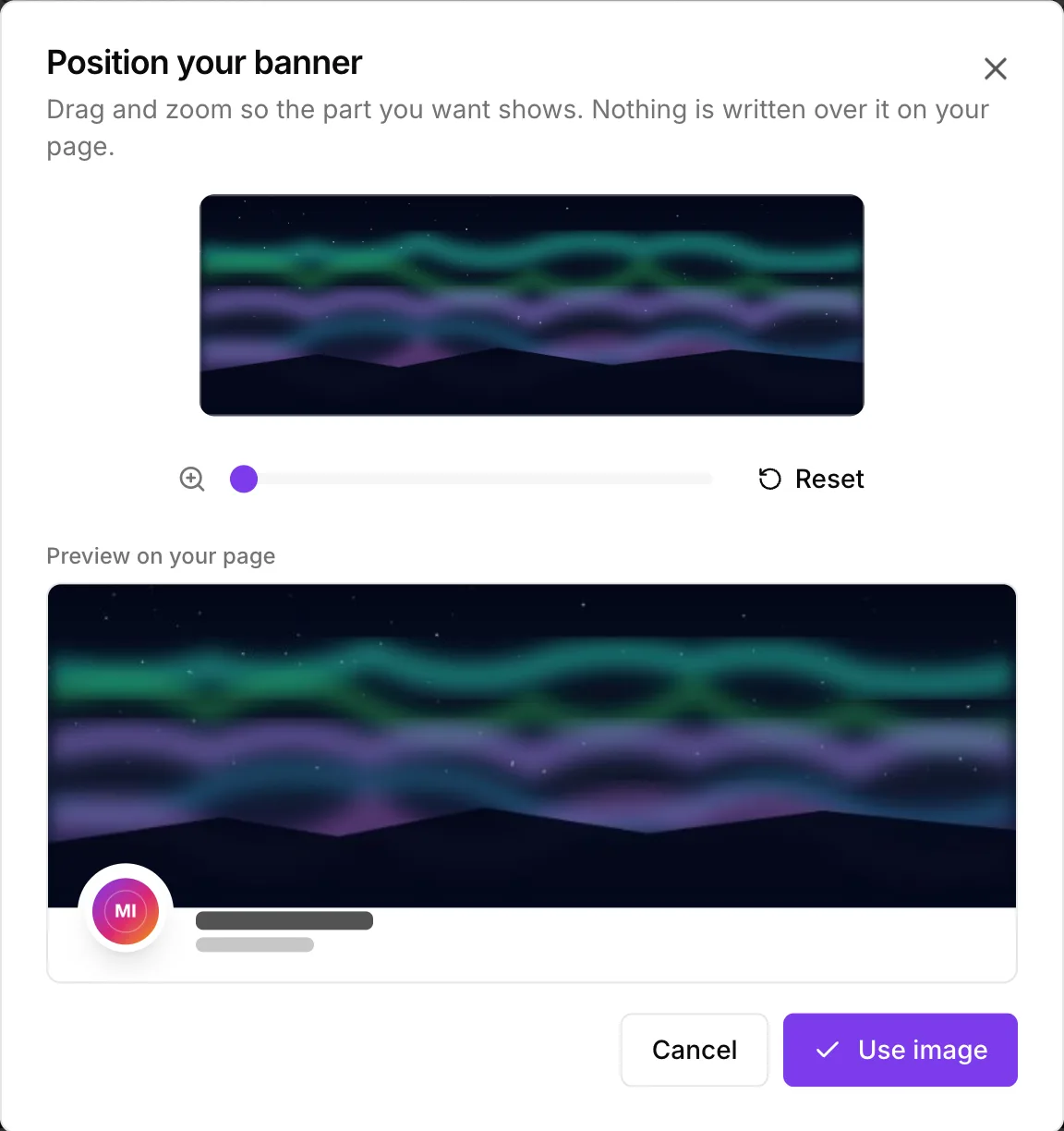
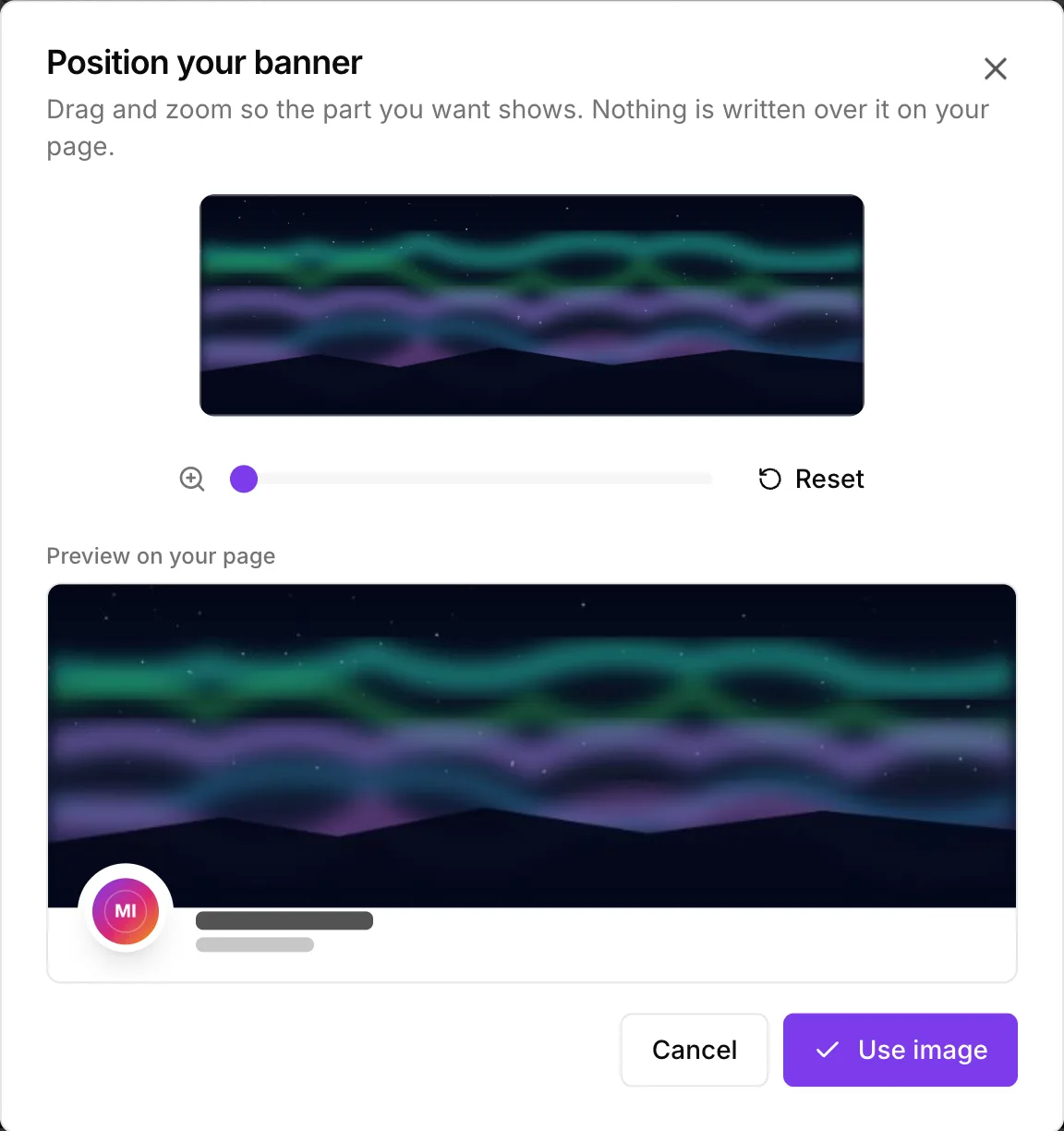
Under Cover Image, click Upload, then position it
The banner runs across the top of your page with nothing written over it: 3:1 (1500×500 is ideal), up to 5 MB. Drag and zoom until the part you want shows, then click Use image.
 (opens the full-size screenshot)
3. Your colours
Pick a Profile colour
Ten ready-made colours, or Custom for any colour you like. It's used for your name, tags and buttons.
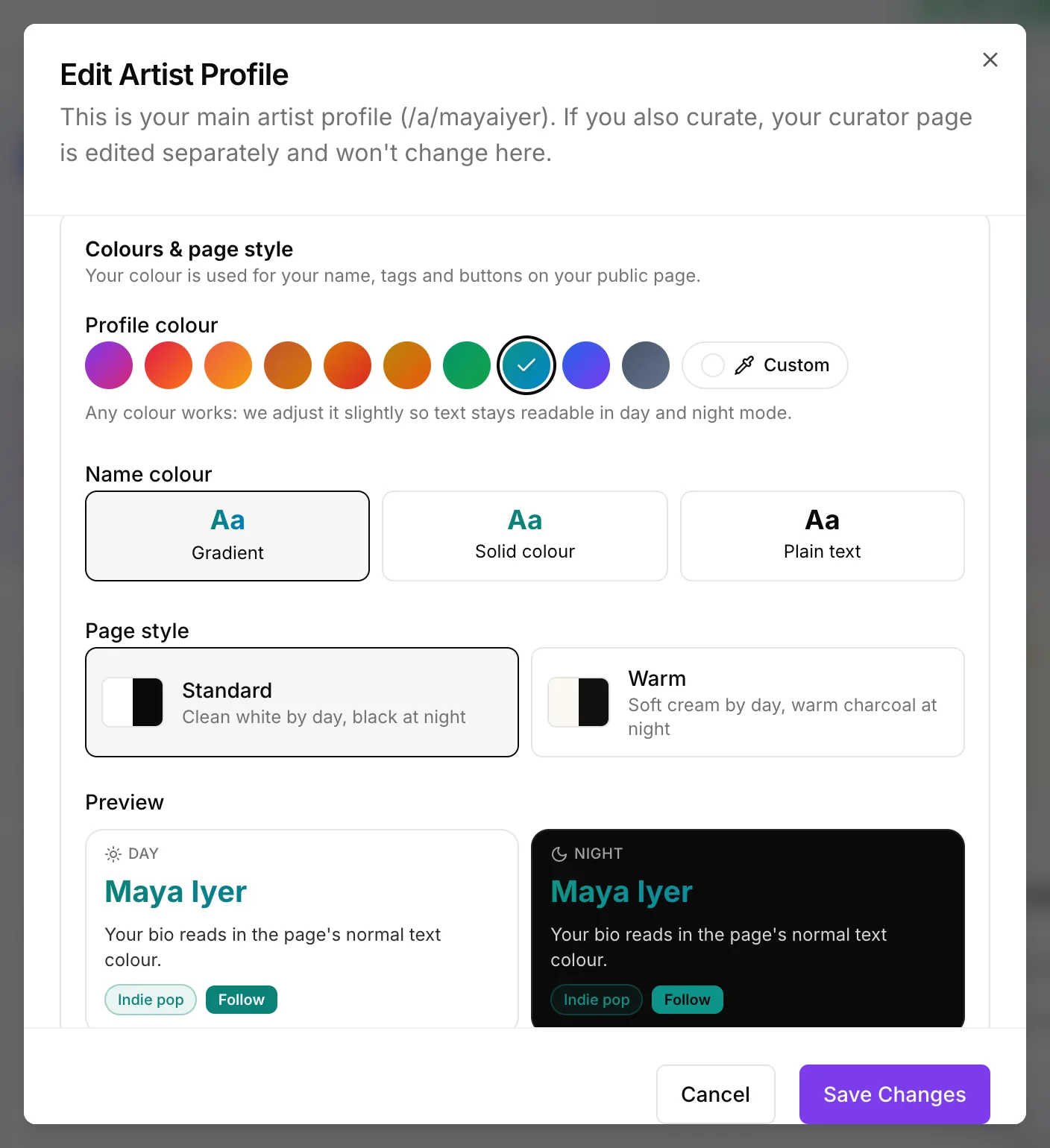 (opens the full-size screenshot)
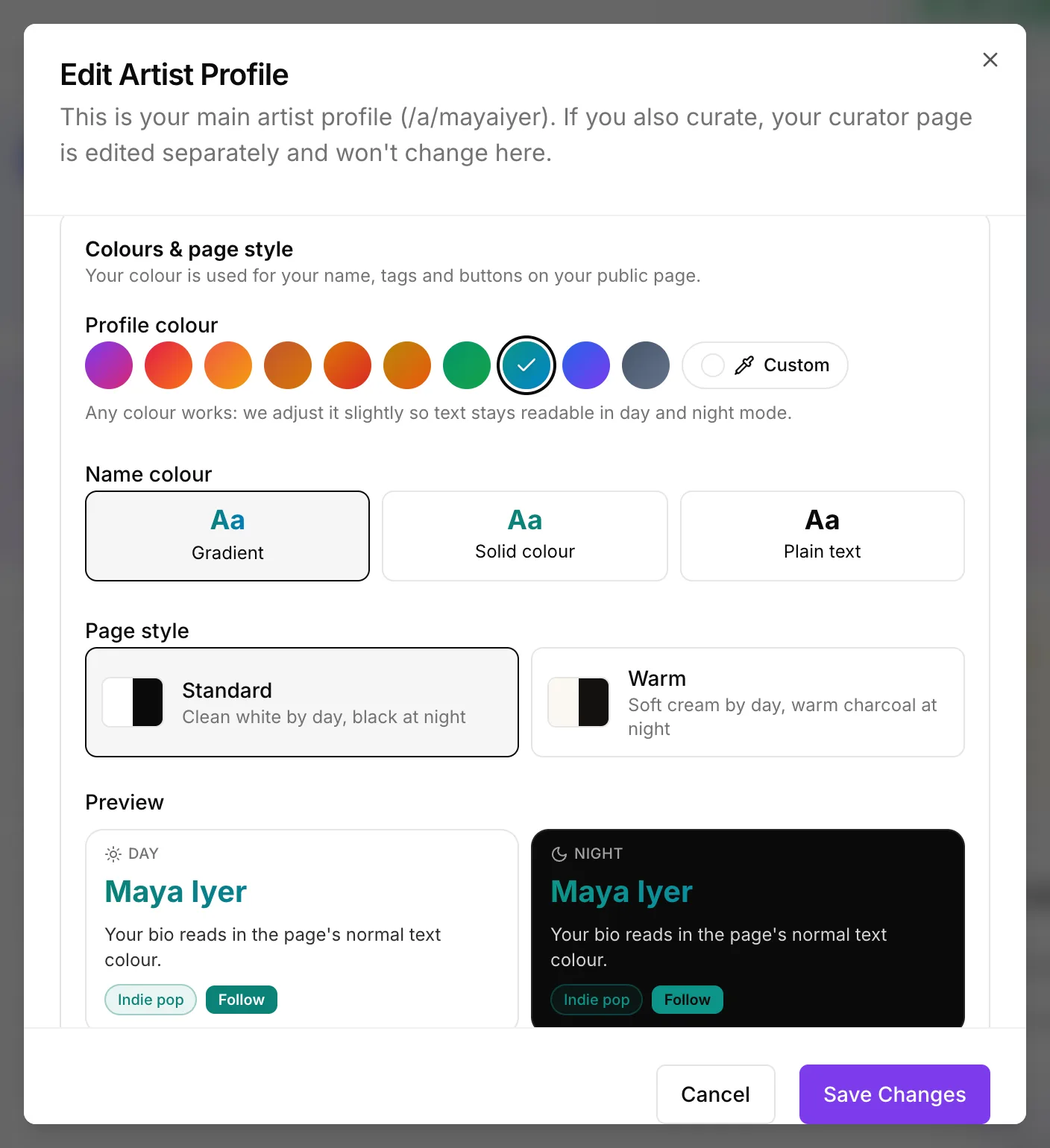
Choose a Name colour and a Page style
Gradient, Solid colour or Plain text for your name, and a Standard or Warm page. The Preview shows day and night mode. Colours are adjusted slightly so text stays readable in both.
4. Bio, location and links
Write a short Bio
Up to 500 characters. Two or three lines on who you are and what you sound like is plenty.
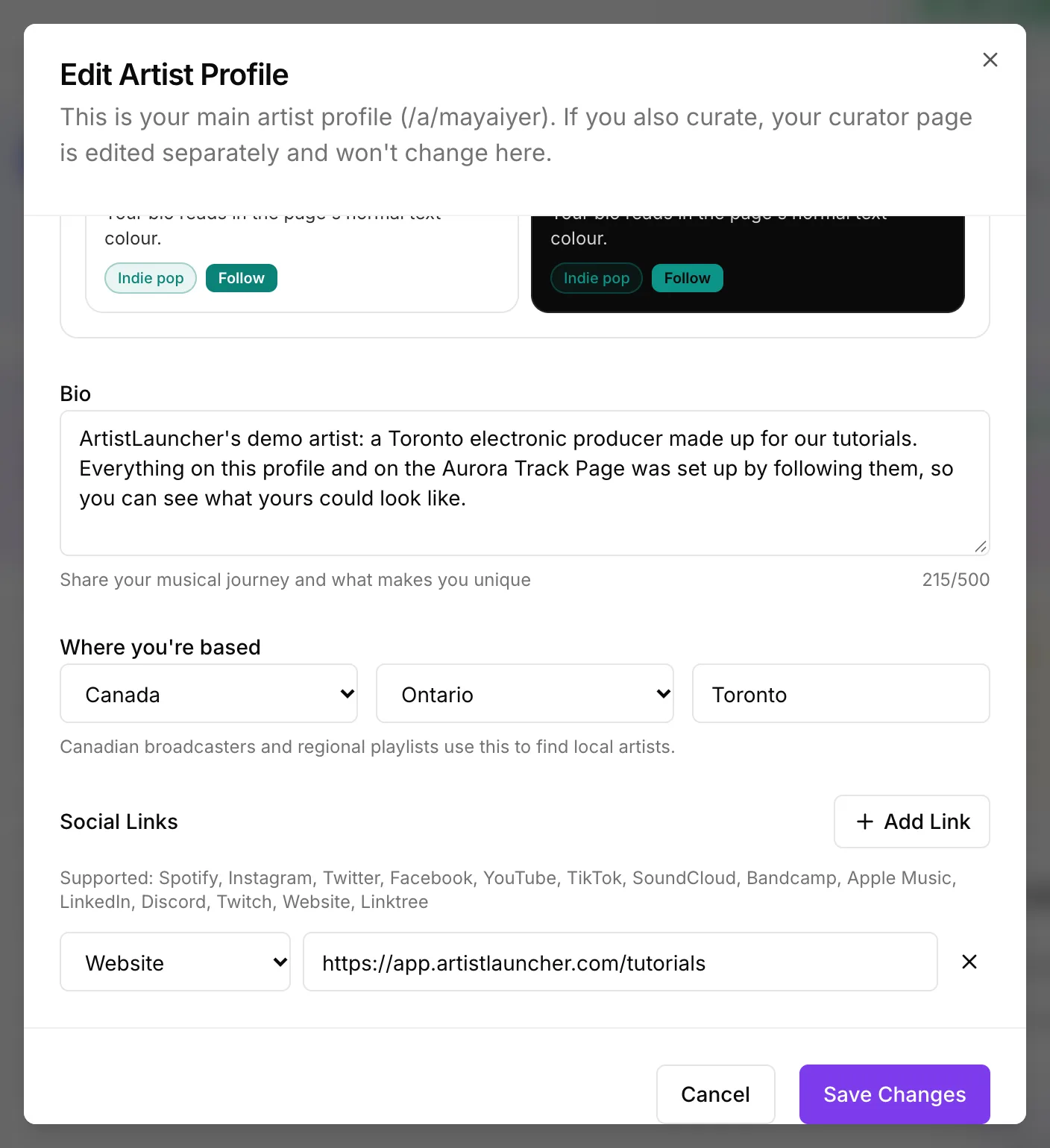 (opens the full-size screenshot)
Fill in Where you're based
Country, province or state, and city. Canadian broadcasters and regional playlists use it to find local artists.
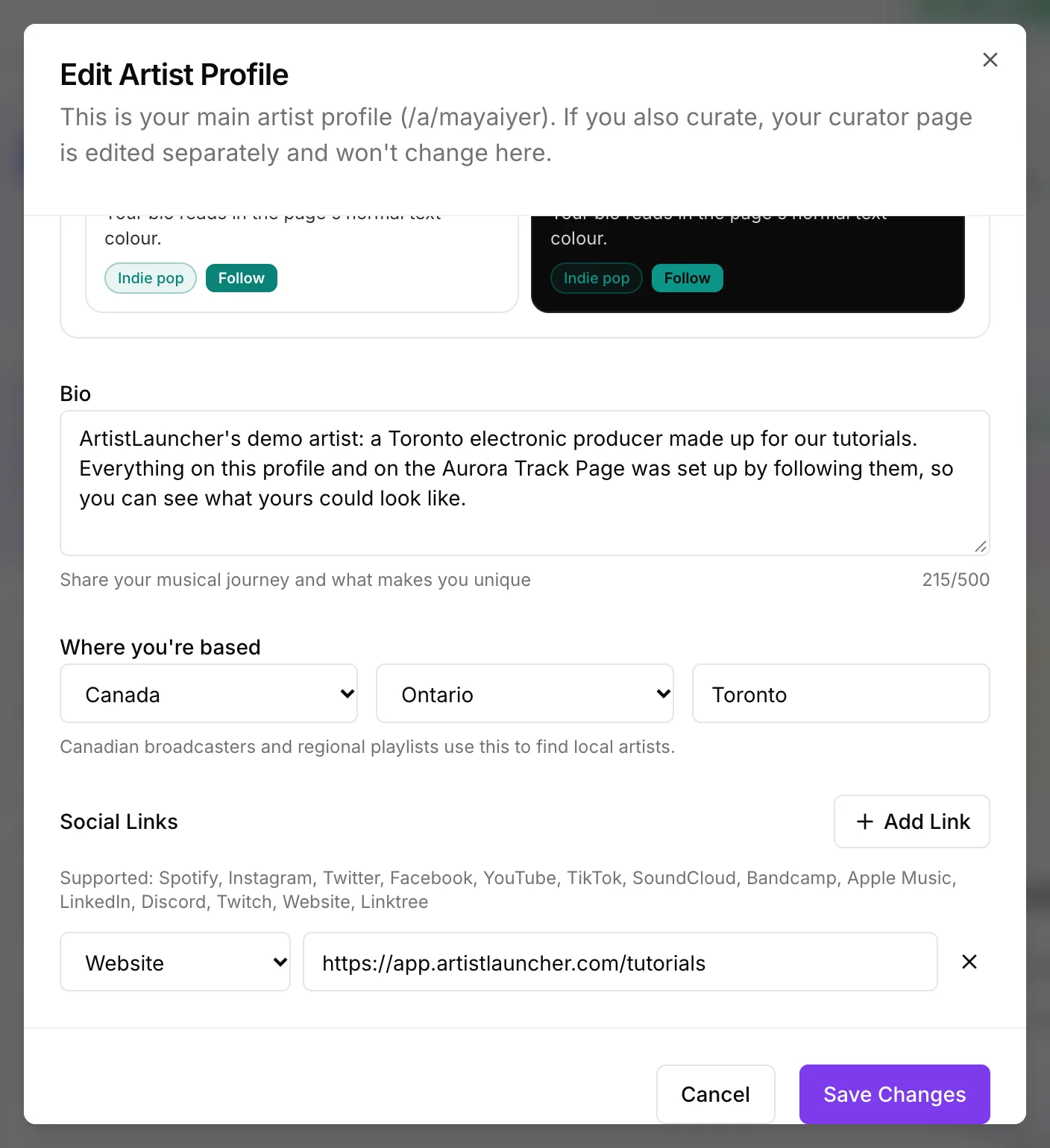
Click Add Link for each place people can find you
Pick Spotify, Instagram, YouTube, TikTok, SoundCloud, Bandcamp, Apple Music, Website, Linktree and more, then paste the link.
Click Save Changes
5. See it and share it
Share the link everywhere
Visitors see Follow Artist, Message and Share Profile. Put the link in your Instagram, TikTok and email bios.
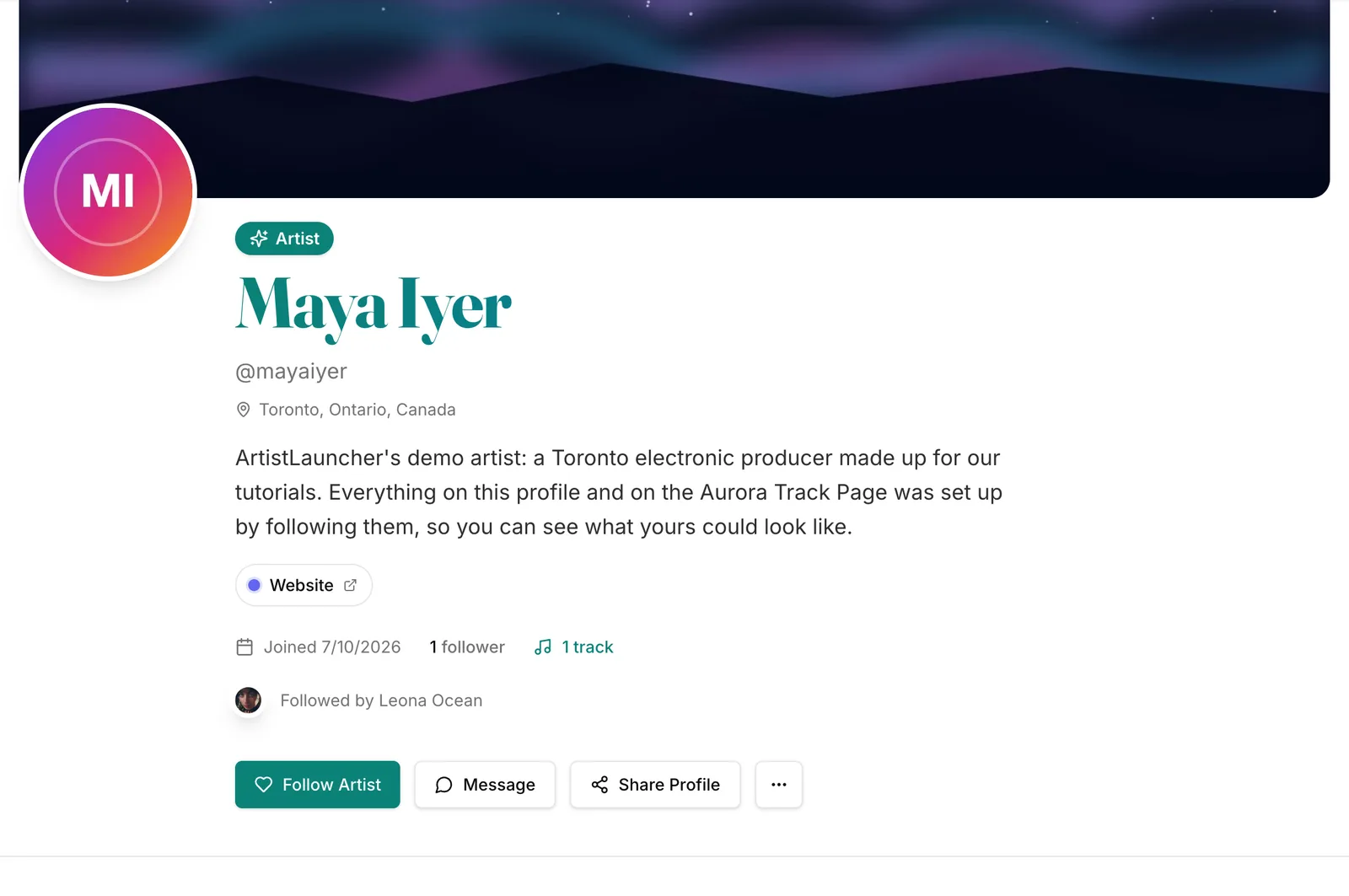 (opens the full-size screenshot)